











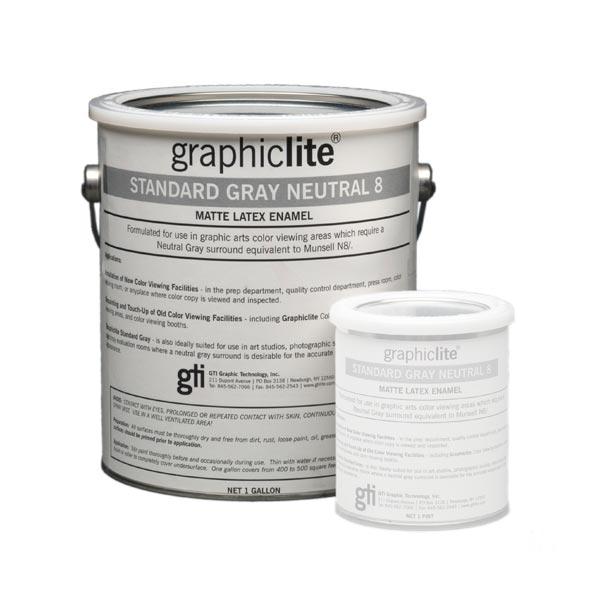











Free shipping applies to orders over $900 and under 40lbs dimensional weight of the shipping box. Paint and replacement lamps are excluded. Free shipping is available to the contiguous 48 US states and for online purchases only.
FulfillmentWe make every effort to get your product delivered as expediently as possible. Orders placed after 12:00 PM MST may not ship that day. RPimaging, INC may not have all items in stock. Our online store does not provide real-time stock availability. Please call to confirm stock before placing an order. Orders placed by international checkout button are fulfilled by FedEX Cross Border.
Domestic ShippingRPimaging, INC does not guarantee any delivery time. Shipping terms (i.e. 2nd Day, 3rd Day delivery) refer to the time quoted by the shipper for delivery. These shipping terms do not refer to time from order submission to delivery. Shipper tracking numbers are provided, when available, the day after the product has shipped. Economy and Free shipping options are limited to the 48 contiguous US states. Freight shipment and packages over 40lbs are excluded from Economy and Free shipping offers. Customer purchase orders with payment terms are excluded from free shipping offers. We reserve the right to rescind Economy and/or Free shipping offers for any reason. Orders are shipped Free On Board (FOB) Origin unless otherwise noted.
International Shipping- Orders placed using the international checkout button are fulfilled by FedEX Cross Border.
- All international packages are subject to relevant duties and taxes.
- A refusal of the shipment will result in return shipping charges which will be deducted from any refund.
- Typical delivery time is 2 - 5 days in transit depending on destination country.
- Next Day delivery service is not available.
- Date specific shipping is not available for international orders.
If you have any questions or need assistance, please contact us.