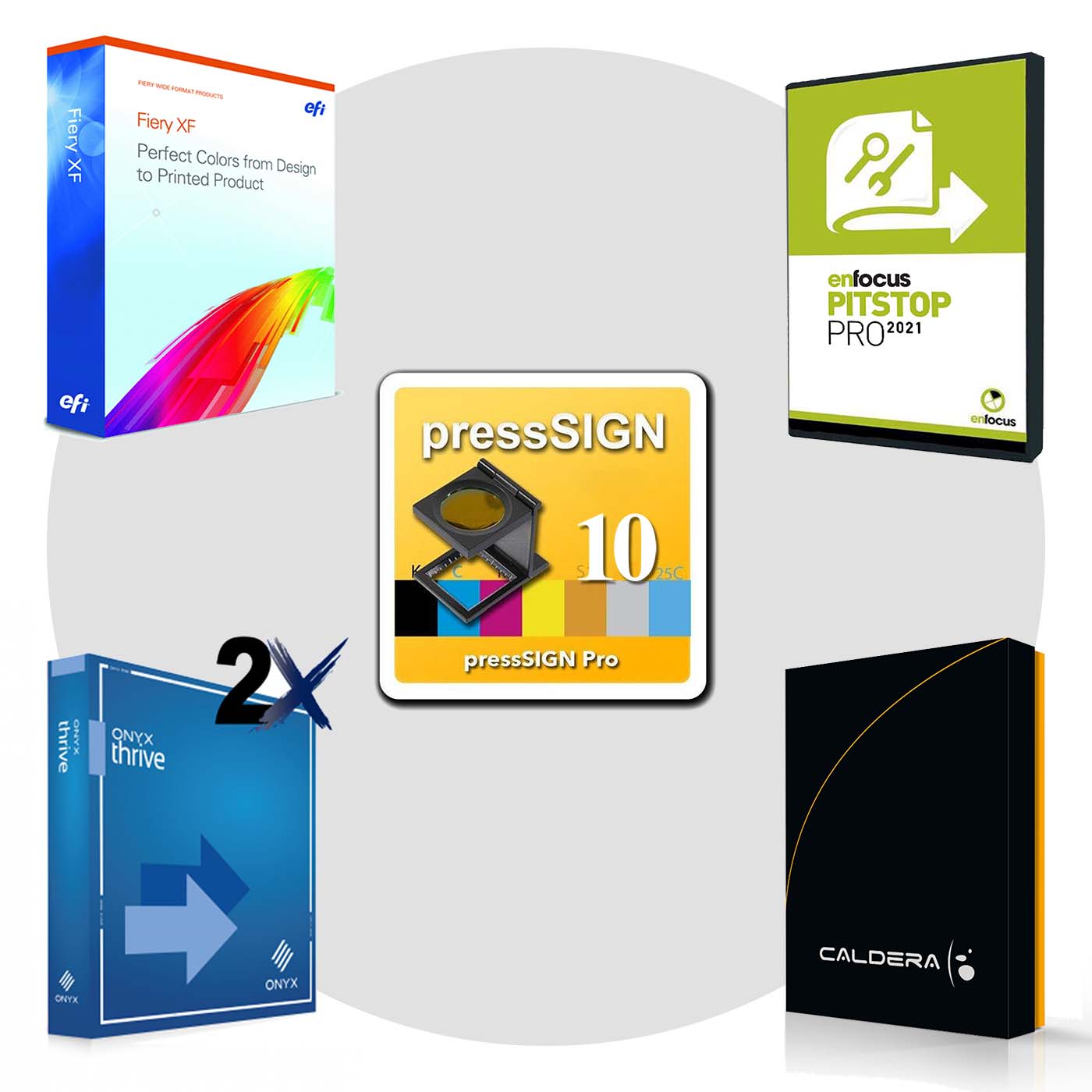
Compare RIPs:
Spark Engine
- advanced compression algorithms
increase RIP speeds up to 400% to print more jobs per day
- new threading pipeline maximizes computer hardware to
improve printer performance up to 200% without adding costs
- new rendering technology
increases Step and Repeat performance up to 600%
- new print isolation technology separates print processes into their own threads to ensure print production continues in the event that a printer fails
Back To The Top ⇑
Latest Adobe PDF Print Engine (APPE 6)
- new color capabilities to harness the full potential of the latest digital presses
- full support for the print-related features of the PDF 2.0 specification, published in 2017 the ISO, including black-point compensation, half-tone origin, spectral data for spot colors, and page-level output intent
-
optimized processing of files created with the new features in Adobe Photoshop, Illustrator, and InDesign for reliable reproduction on any surface, and in any manufacturing process
- anti-aliasing for visually smoother edges on graphic objects
- enhanced unicode support

- DeviceLink+
- automatic generation of DeviceLink profiles
- achieve consistent color across devices with new DeviceLink+ simulation and proofing controls
- instantly improve color accuracy across all existing media profiles at the click of a button
- Improved black ink combinations provide enhanced shadow detail, texture, and definition as well as increased saturation for reds and oranges
- Enhanced iccMaX compatibility; Onyx is the only solution capable of building iccMax v5 profiles
- PosterColor 2.0 rendering intent boosts saturation of solid colors
Flatbed Cutting is ideal for designers and prototyping in offset printing, digital printing, packaging industry, fashion industry, as well as road sign making, stone and glass sandblasting and etching, and more.
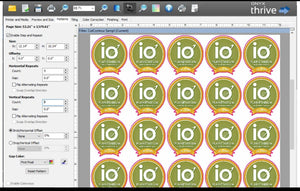
Step and Repeat Tool - pattern creation with integrated cutting support; easy to use options for repeats, offsets, and sizing now with automation, Onyx seamlessly repeats the image for you for unlimited copies.
- Nest outline cut paths to reduce time spent weeding jobs
- New dot pattern technology for the smoothest output on any print application
- Virtual printer support: When a virtual printer is created, it is also shared automatically on the network. This means that any computer on the network, Windows or Macintosh, can print using RIP-Queue through the virtual printer from any application.
AccuBoost - improves ICC accuracy using an in iterative process for fine-tuning against even the most difficult customer brand-color needs. Tighter tolerances for matching Pantone and brand colors. Take full advantage of expanded gamut inks.

- ONYX RIP products 2x faster than ONYX 12. Add ONYX Thrive and boost production speeds to at least 5x faster
- Can
improve profitability by as much as 30% with just one more print job per day
Back To The Top ⇑
Full 64 bit platform(applications & RIP engines)
Save hours on large file processing
- RIP output that exceeds 2GB will process in a fraction of the time
- Average speed improvements versus ONYX 11 were nearly
5x faster
- Testing showed some XL file processing speeds up to
23x faster (output that exceeds 4GB)

Increase productivity and improve the bottom line by processing more files in less time
- Based on ROI calculations, printing just one more job per day can improve the profit margin in a shop by as much as
30%.
- Measured improvements for raster file processing (JPG, TIFF, etc) up to
20x faster over ONYX 11
- Data transfer speeds from RIP to device with many grand format and file mode printers is up to
2x faster
- Streamlined file handling with high performance hardware such as
solid state hard drives
Back To The Top ⇑
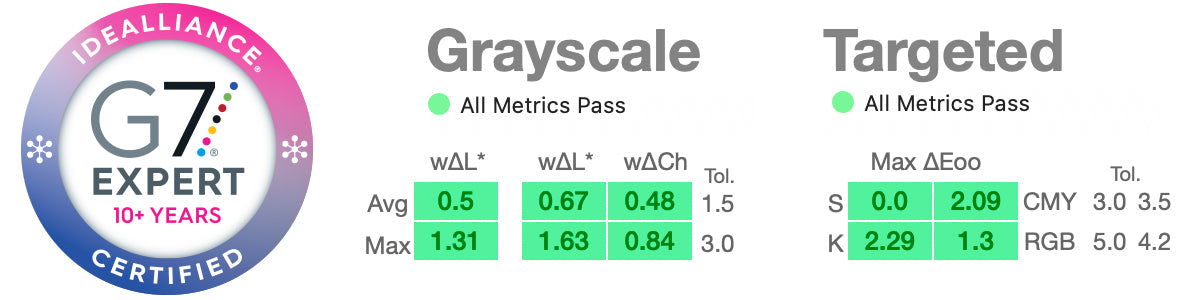
Simplified Process for G7
Matching color across devices and ink types is challenging
- Get the benefits of using a G7 process for neutral gray colors with an a easy to use solution integrated into ONYX Software.

Profiling with G7 is simple as:
Build confidence that everything printed will meet customer expectations
- Use G7 correction curves in Media Manager to achieve output consistency across devices and applications
- Immediate verification provides confidence you are meeting G7 standards
- One click iterations dial in G7 conformance
- Easy import of 3rd party curves
Back To The Top ⇑
Simplified Production
Don’t waste space on expensive sheet media

Full sheet view in nesting preview
- See image previews in relation to the sheet size
- See the media that will not be used when printing to flatbed devices
Print to Cut workflow enhancements improve predictability and accuracy
- Support for QR Codes in Zund Cut Center
- Intermediate cutter marks between rows for greater cutting accuracy on supporting devices
- Available image preview for supporting 3rd party cutting software
- Set cut file path for I-cut workflow
- Configuration of mark sizes and shape
- Improved DXF support
- Set color channel for printing cutter marks on colored media
New Device Support
- Jingwei Cutter support
- Mimaki CG-SRIII Support
- AXYZ Cutter
Back To The Top ⇑
Application Tools: Tiling

Save time with tiling and job setup
- Quickly create evenly divided rows and columns saving time and enabling more print applications
- Advance feature lets you customize tile sizes
- Choose to include bleed and trim in tiling calculations
- Preview of cut paths around tile boundaries to verify final output
- Print tile marks inside image area
Back To The Top ⇑
Quick Sets 2.0: Easy Automation
Automate tiling with ONYX Quick Sets

- Enhanced tiling, combined with other job preparation tools within Quick Sets, can save up to 15 min/job by automating job preparation and finishing setup.
- Use Quick Sets to automatically apply tile settings when opening a job or submitting it through automated workflows
Accurate job preview builds confidence in final output
- Redesigned UI for Page and Tiles Setup make tile selection easy
- Preview active and inactive tiles before submitting job to print
- Include print label when using automated print to cut features
Process PDF images based on Media, Bleed, Trim, Art, or Crop boxes
- Build automated workflows around custom production needs and design preferences based on the variety of supported PDF boxes
Automatic spot color matching and replacement
- Spot Color Replacement — this option lets you apply the spot color specifications defined in the Color Matching Table. The Table allows you to share colors you created in your graphics creation program with your printer
Back To The Top ⇑
ColorCheck Reference Guide
-
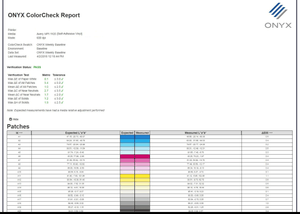
ColorCheck provides an integrated tool set within Onyx Rip-Queue for evaluating various aspects of printing. With these tools in place a printer operator can easily assess print accuracy as well as ensure that printed results are consistent day after day for multiple printer devices of the same make and model.
-
ColorCheck simplifies the implementation and maintenance of Process Control within a printing environment which can improve efficiency and reduce waste – thus saving time and money.
Back To The Top ⇑
Additional Features

Due Date and Due Time metadata field in RIP-Queue
- Better track customer deadlines
- Can be automated with JDF workflows via ONYX Connect
View and access profile information
- Easy one click access to modify individual steps within a profile
- Overview of profile data without editing
Back To The Top ⇑
Tools & Workflow Modules

Creates consistent production workflows by capitalizing on the work you have done in
Job Editor and import the same job settings into all of printers in your shop
With
CUT-Server, your cut files are automatically loaded and ready to go. After you've inserted the correct job, verify your settings and click Cut Now. It's that easy.
You can quickly and easily modify your images, place them on your media, and print and cut them with
Layout Tool.
Media manager: add and create your own media to maximize speed or quality
White and specialty ink profiling tools: Created to handle specialty inks that are used to produce a specific effect that cannot be achieved using traditional CMYK inks.

Highly Automated Color
Profile Generator: quickly and easily build your own ICC profiles
PowerChroma Ink Savings: tools for ink savings
Color Swatch Books help with color matching processes
Back To The Top ⇑

- Extends the image content around any file
- Automate applications such as banners, canvas wraps, billboards
- Expand the space around a file to provide extra media for finishing
- Easily go from file to finished print in just a few steps with specialized finishing marks
- Combine bleed with automatic cut path generation to eliminate white space in print-and-cut jobs
Back To The Top ⇑

- Create prints with grommet marks that ensure accurate grommet placement and finish-ready prints
- Move grommet marks into bleed and trim areas for flexibility in finishing
- Create prints with grommet marks that ensure accurate grommet placement and finish-ready prints
Back To The Top ⇑