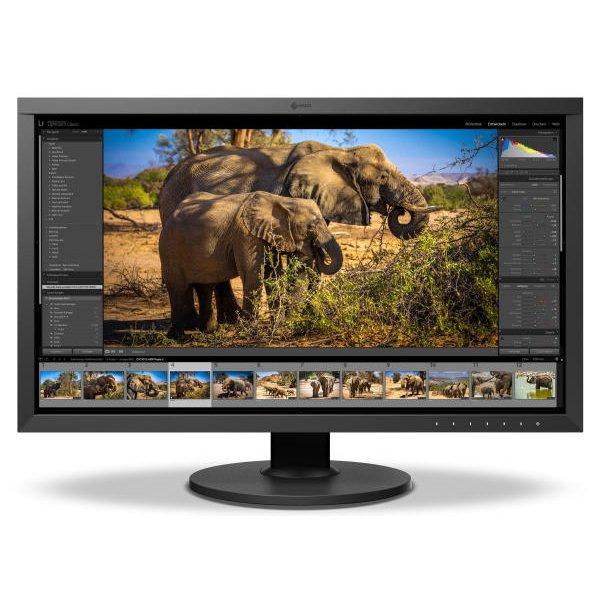
EIZO with an earned reputation in the industry has nearly 50 years of experience producing the highest quality visual technology and is well trusted amongst top professionals. With ultra-high 4K resolution you’re ensuring exact consistency in your production. Let your imagination soar and your creativity blossom. Your passion will guide you and the EIZO ColorEdge will ensure that you can express your ideas precisely as you have imagined. EIZO’s expertise in developing visual image displays for professional applications now extends to a diverse lineup of 4K monitors.
Automatic color calibration technology allows for improved accuracy despite complex arrangements. With an
EIZO LCD monitor, you’re investing in the highest caliber of design capabilities. These professional-grade tools are what industry leaders depend on to protect their brands. Eizo Monitors define the frontier of digital imaging and provide designers the space to push their work to the edge while maintaining unwavering quality.
Received tubes and one was damaged. They replaced immediately. A++
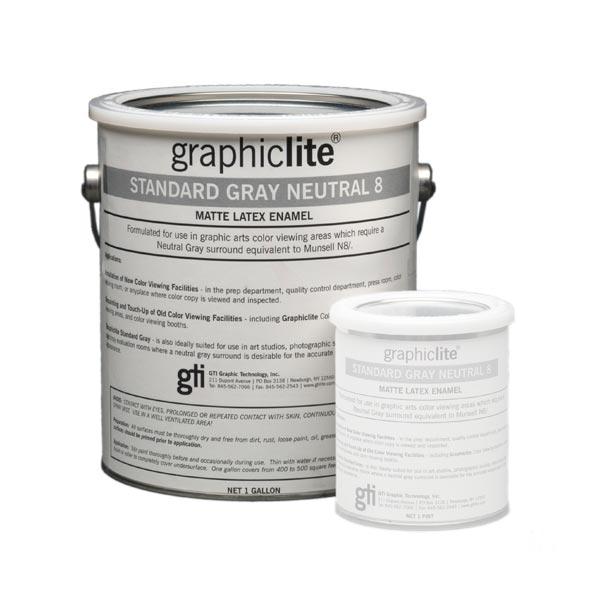
We were painting a small workstation studio and thought a one gallon can would be enough, but we needed to get a second.
Rp imaging is an amazing company, very informative and descriptive to ensure you get the most information out of whatever you buy with them. The owner is a great guy he came out to our shop and taught us how to create ICC profiles along with the fundamentals of G7. We have also purchased a spectrophotometer from them and have had excellent results with it.
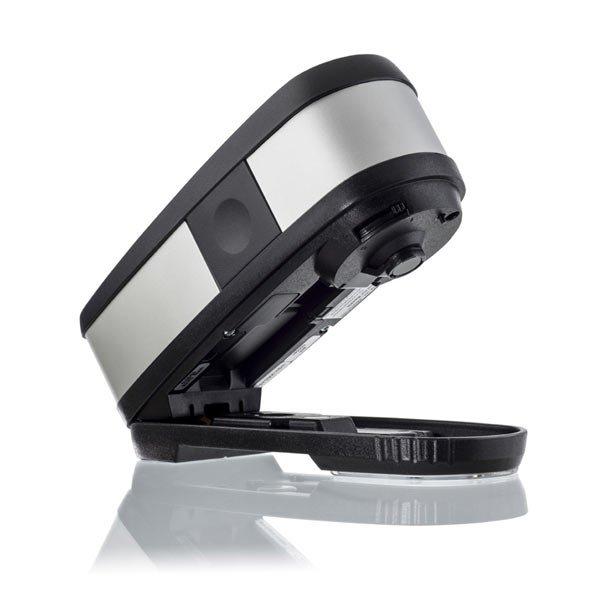
The i1Pro3+ is an indispensable tool, and the support from RPImaging has been fantastic.
Shipped fast, product came in perfect condition, and the staff is very knowledgeable and nice, highly recommend purchasing through RP imaging
Printing a picture accurately is essential in my business. Have always used custom ICC profiles in the past. Recently bought a new printer, Epson P-900 and used the paper manufacturer's profiles. The results were disappointing at best. Then had brand X develop profiles as my previous vendor had retired. Those too were disappointing as the color was not accurate. Found Dan and RP imaging on the internet and sent them one profile to make. It came back perfect. Sent them another 9 papers to profile and those too are the best profiles I have ever had. Not sure what their secret sauce is but if you need ICC profiles don't waste your money by going somewhere else. RP imaging is simply the best.
Thanks from 1 demanding customer
Excellent! I felt I was having some color issues with a particular brand of paper, so I researched having a custom profile built. I found RPimaging, and felt the price was very fair, and the process seemed straightforward.
I love the profiles I received, my blacks are neutral, the colors look more like what I expect, and I have confidence printing on these papers. Now I can really see what those papers will look like and soft proof accordingly.
Additionally the turn around was FANTASTIC. I mailed my color targets on a Friday and received the profiles on Monday. Effortless communication the whole way around. The instructions for printing the targets were easy to follow, I received prompt email replies, and super fast turnaround.
Couldn't be happier! Thank you!
I appreciate the quality of this case! The molded foam inserts seem to fit the spectro perfectly, and I no longer have to be as concerned about moving this from location to location! It also offers a good dust free option for storage when not using it! Delivery did take a while, but they were up front with me on that from the start and I agreed to wait! Thanks for a good product!
Great. i learn a lots from this online workshop. now my colour profile is more accurate and i able to cut some ink. all the function is well explain in detail.
We’ve got consistent color, zero color drift, lower costs, greatly improved staff morale, and our output is up by 25%. That’s all directly linked to PrintFactory workflow software.
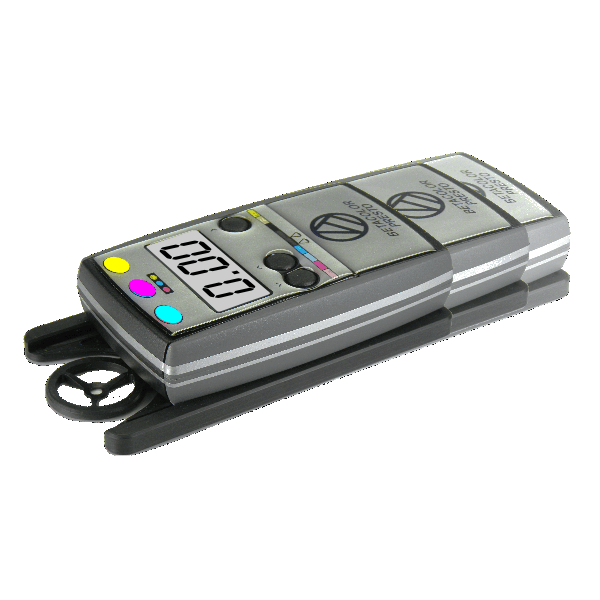
RHEM indicator strips are an added value to ensure the best light is used when performing color and print verification at our light booths.